Training compliance dashboard, set up for each manager.
Head office, site managers and trainers each need something different from their Dashboard. In 58 seconds, see how to choose the cards, charts and colours each person sees first.
Published 12 Nov 2026, with English captions. The people and organisation in this film are fictional. Features vary by plan.
What's said in the film
Head office, site managers and trainers each need something different from their Dashboard.
Open Customise and switch on the widgets you need. Add a mini Training Matrix, with the people who have most to do first.
Add the charts you've saved in Reports, as bars or lines. Or show a card as a chart, against your target.
Drag them into place, and pull an edge to make one wider. Rename a card, or hide the ones you don't need.
Give each card its own colour, and choose your bars, lines and spacing.
Save it as a layout, just for you, or for every manager.
SkillProof. Your Dashboard, your way.
More films
All films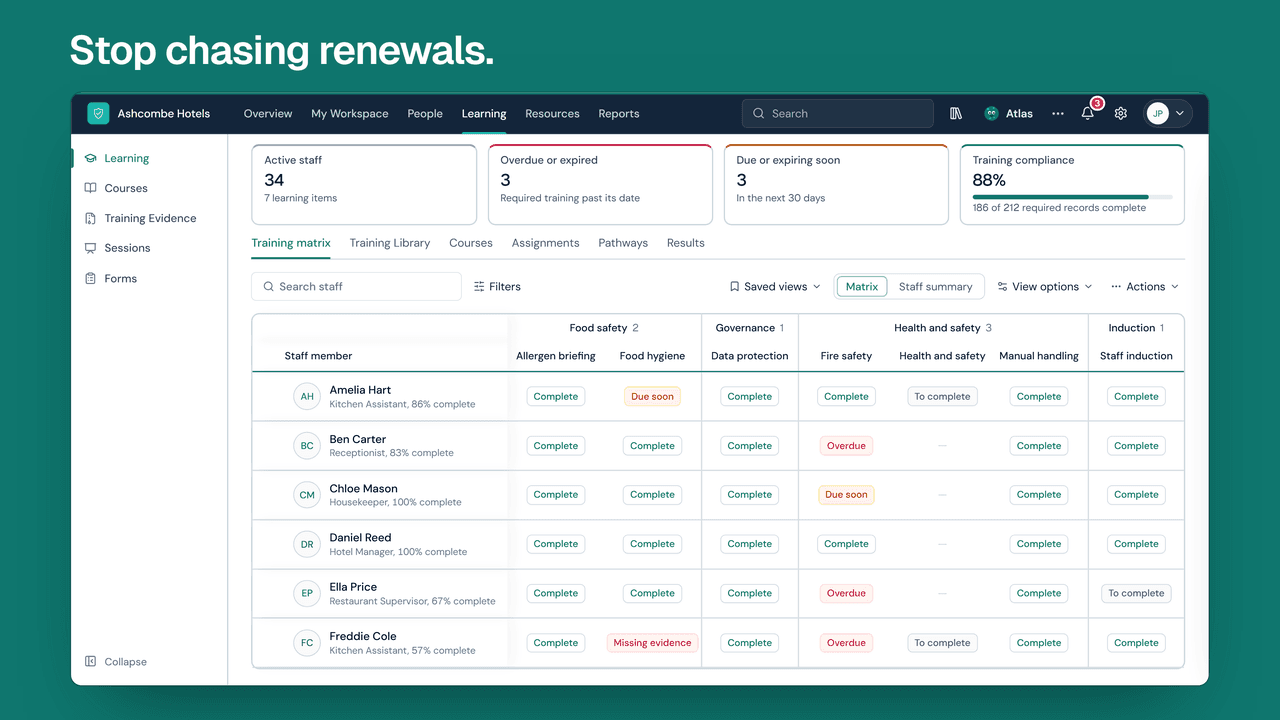 Film length 1:50
SkillProof in 2 minutes
Staff training, compliance and development in one place.
 Film length 1:22
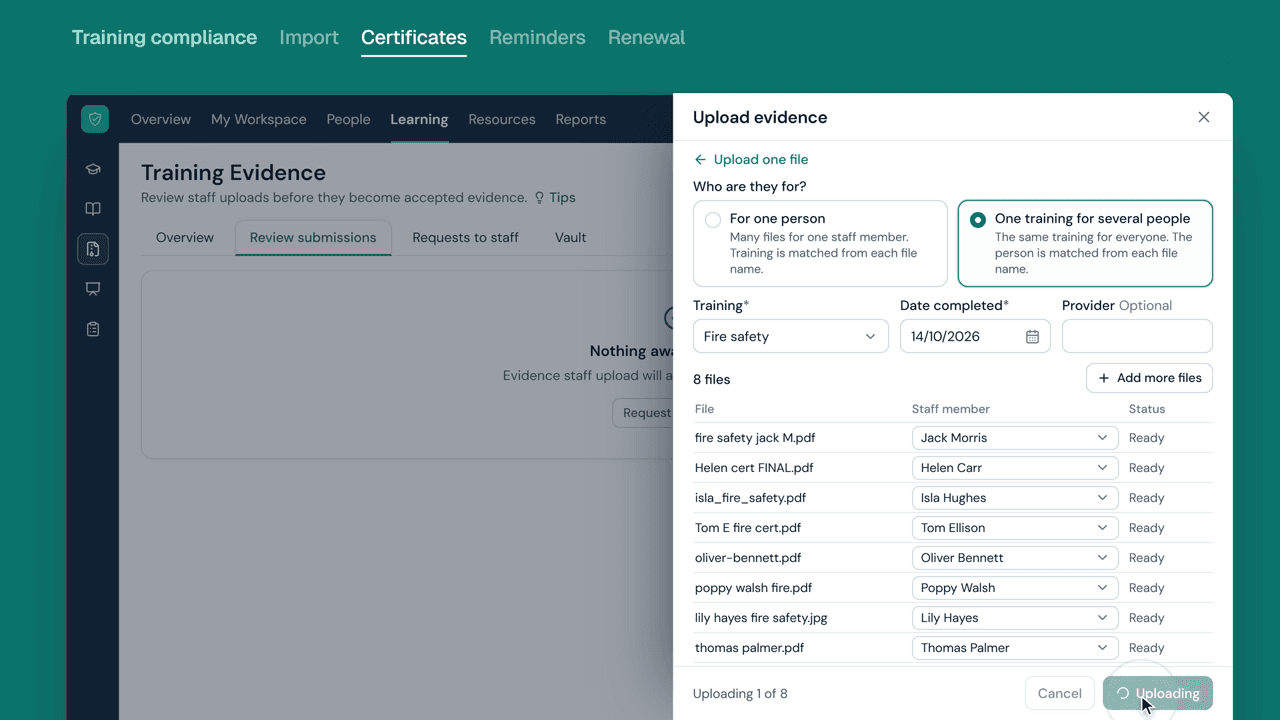
How SkillProof tracks training certificates
Upload certificates, check them, and remind people before they expire.
 Film length 0:41
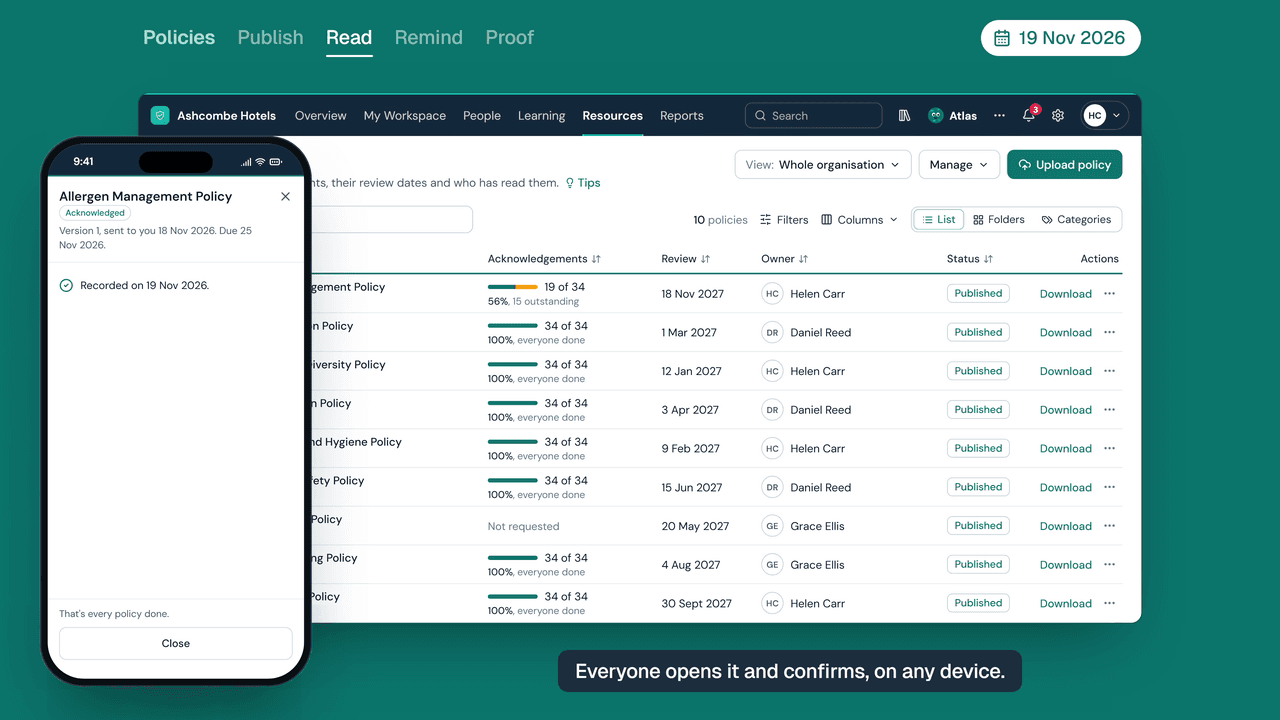
How SkillProof tracks who has read every policy
Send a policy once and see who has confirmed they've read it.
 Film length 0:45
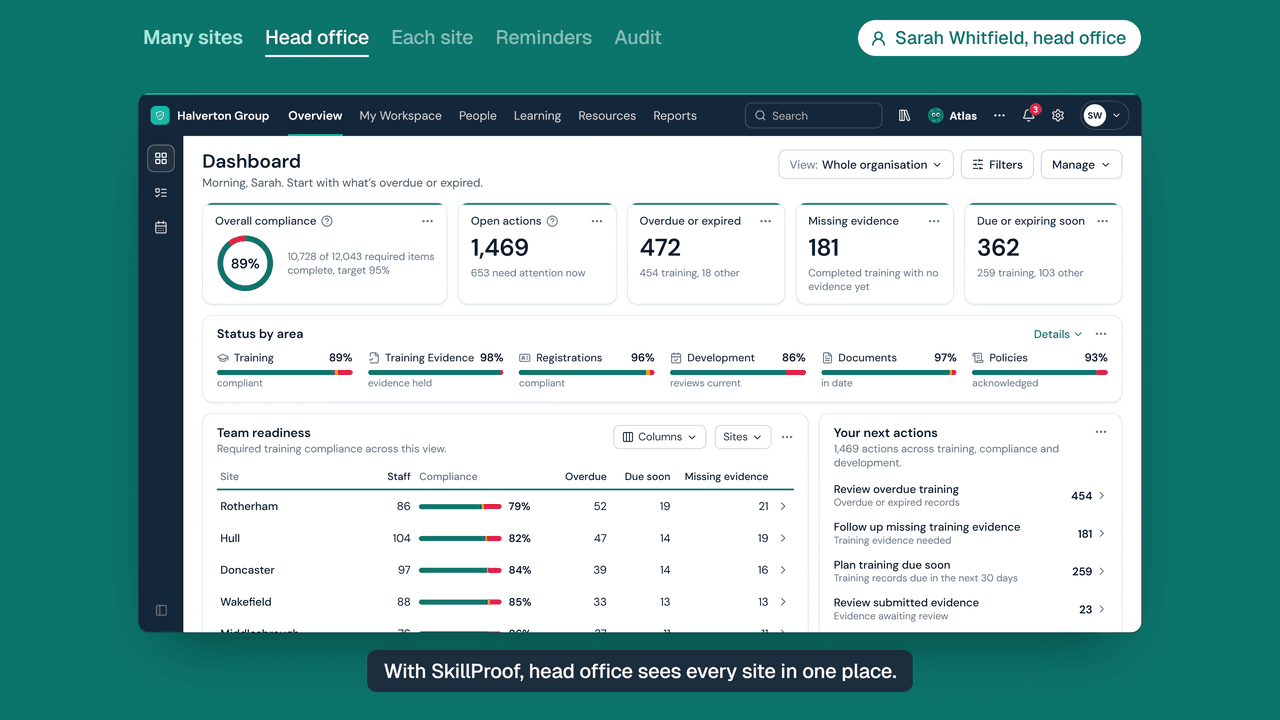
How head office sees every site in SkillProof
One view of every site, while each site manager sees only their own team.