
Training certificate tracking, from upload to renewal.
Training dates in a spreadsheet, and certificates on paper, in inboxes and on a shared drive? In under a minute and a half, see how SkillProof brings them together and reminds people before anything expires.
Published 22 Oct 2026, with English captions. The people and organisation in this film are fictional. Features vary by plan.
What's said in the film
Training dates in a spreadsheet. Certificates on paper, in inboxes, on a shared drive. Sound familiar?
Let SkillProof help. Drop your spreadsheet into Atlas, your SkillProof guide. Atlas maps your columns. You check, then import. Every date lands in your training matrix.
Next, the certificates. Upload them all in one go. Each one is matched to the right person.
Training done somewhere else? A manager can upload the certificate for them. SkillProof works out when it expires.
Before it runs out, reminders go out on their own, and their manager can get a copy too. No email address? It can go to their manager instead.
Ben gets the reminder and uploads his new certificate from his phone. Check the date, accept, and the record renews itself.
SkillProof. Know who's trained. See what's missing. Prove it when asked.
More films
All films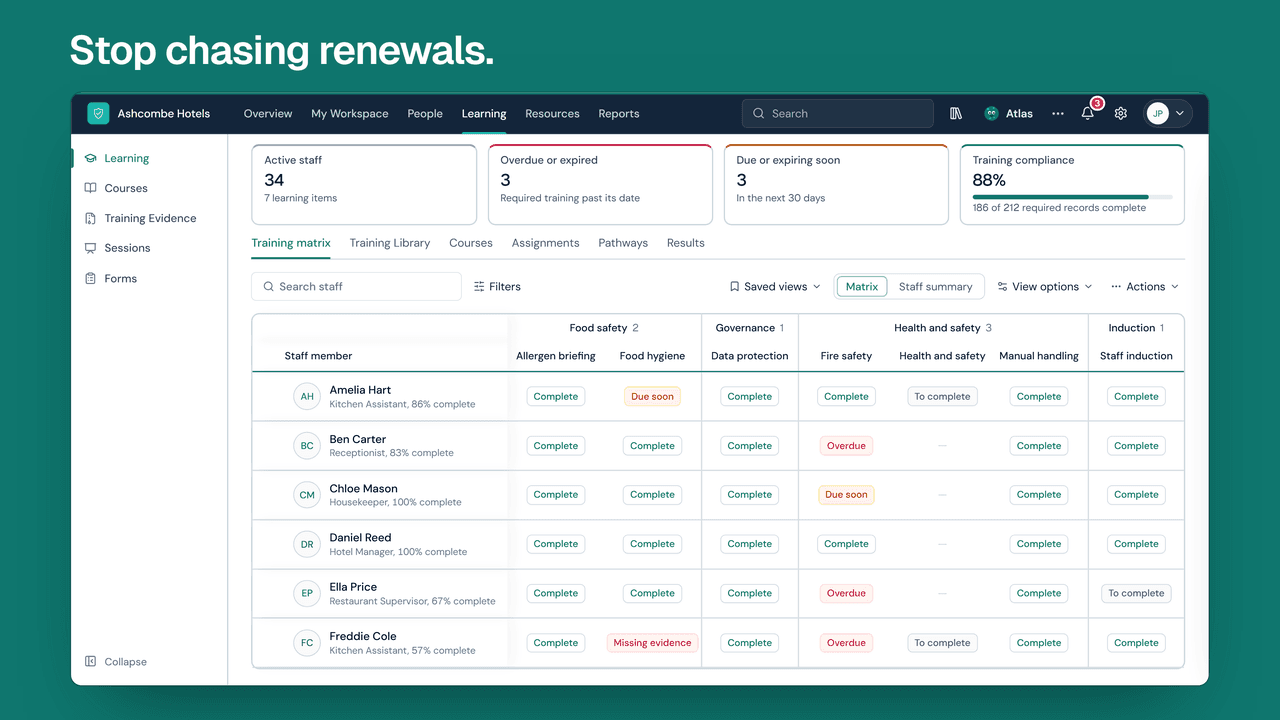 Film length 1:50
SkillProof in 2 minutes
Staff training, compliance and development in one place.
 Film length 0:41
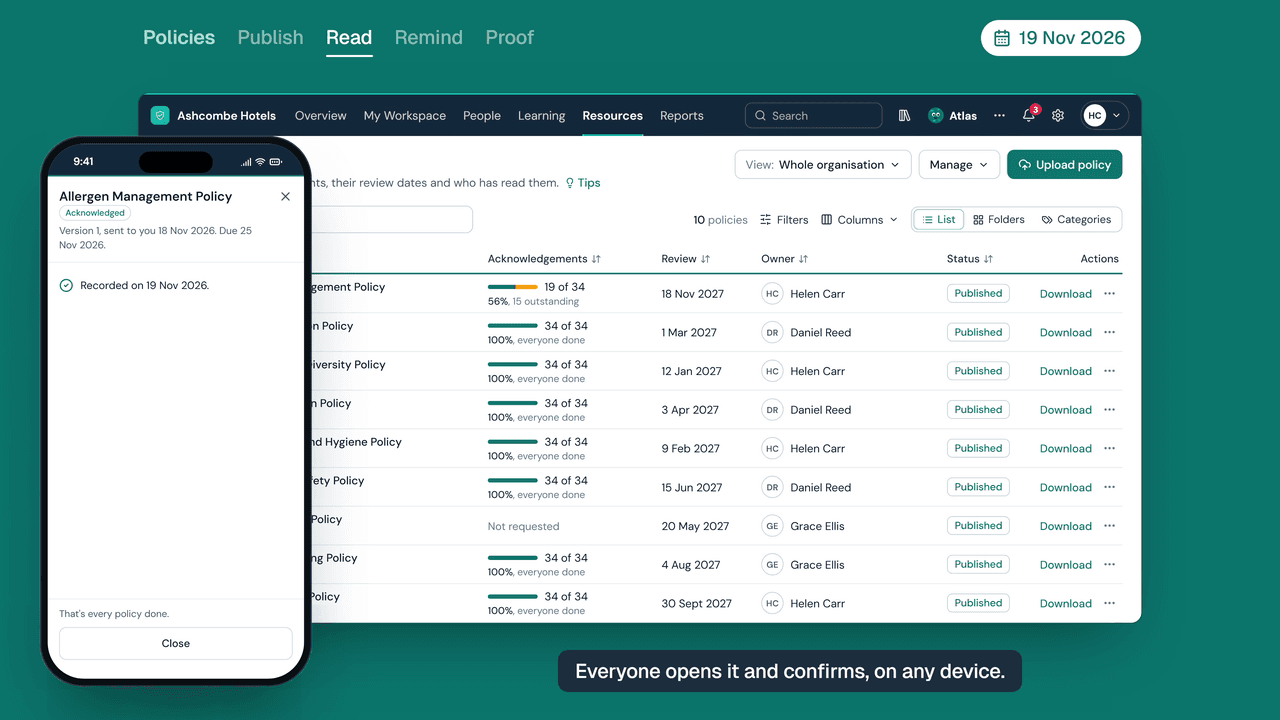
How SkillProof tracks who has read every policy
Send a policy once and see who has confirmed they've read it.
 Film length 0:45
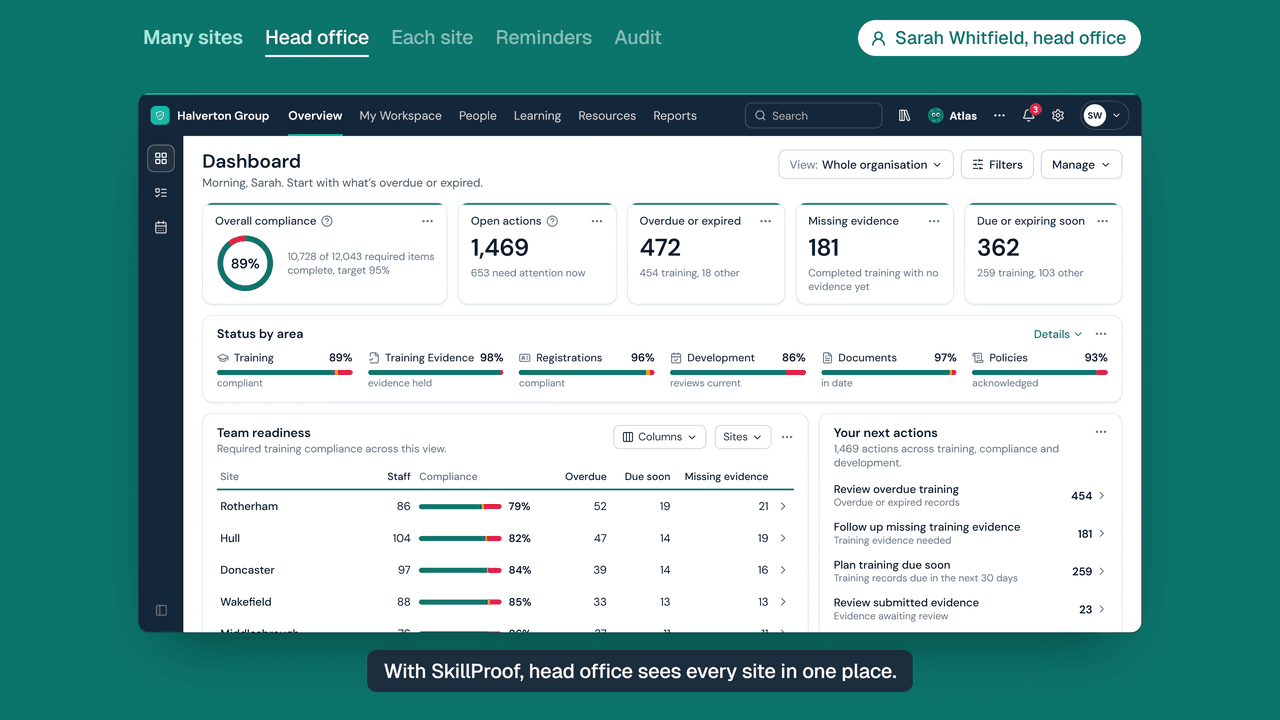
How head office sees every site in SkillProof
One view of every site, while each site manager sees only their own team.
 Film length 0:58
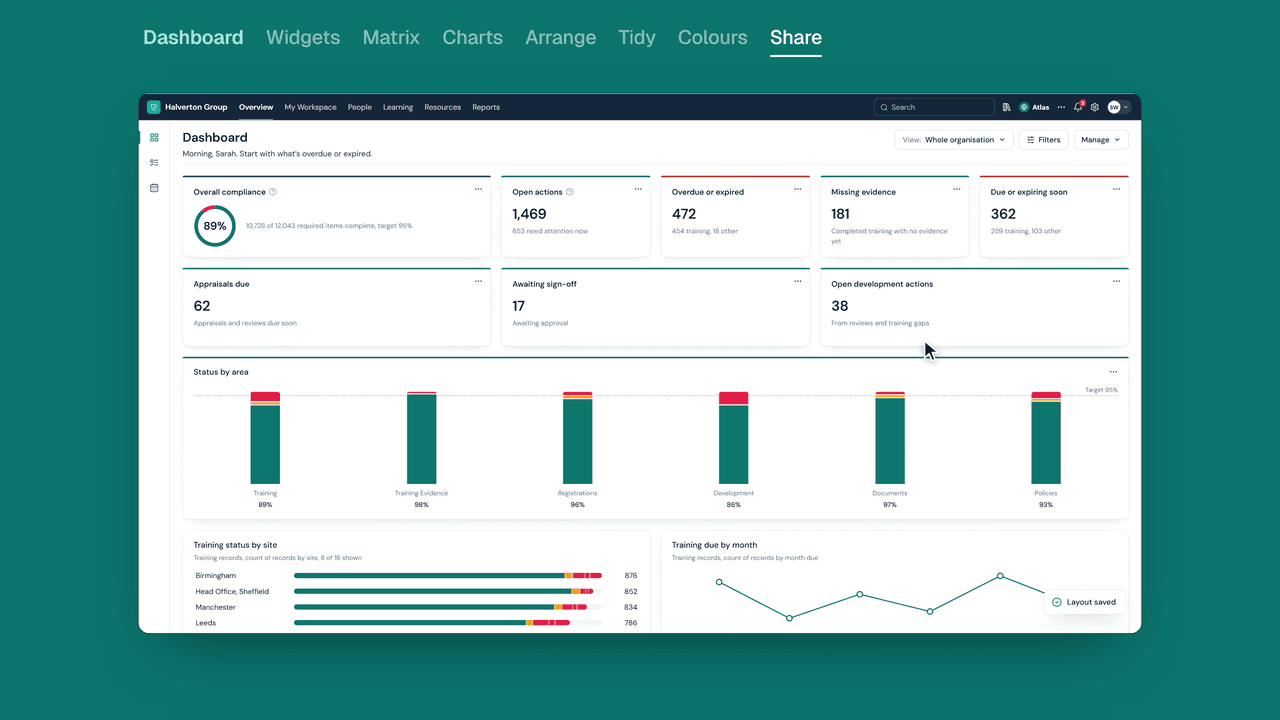
How each manager gets the Dashboard they need
Choose the cards, charts and colours each person sees first.