
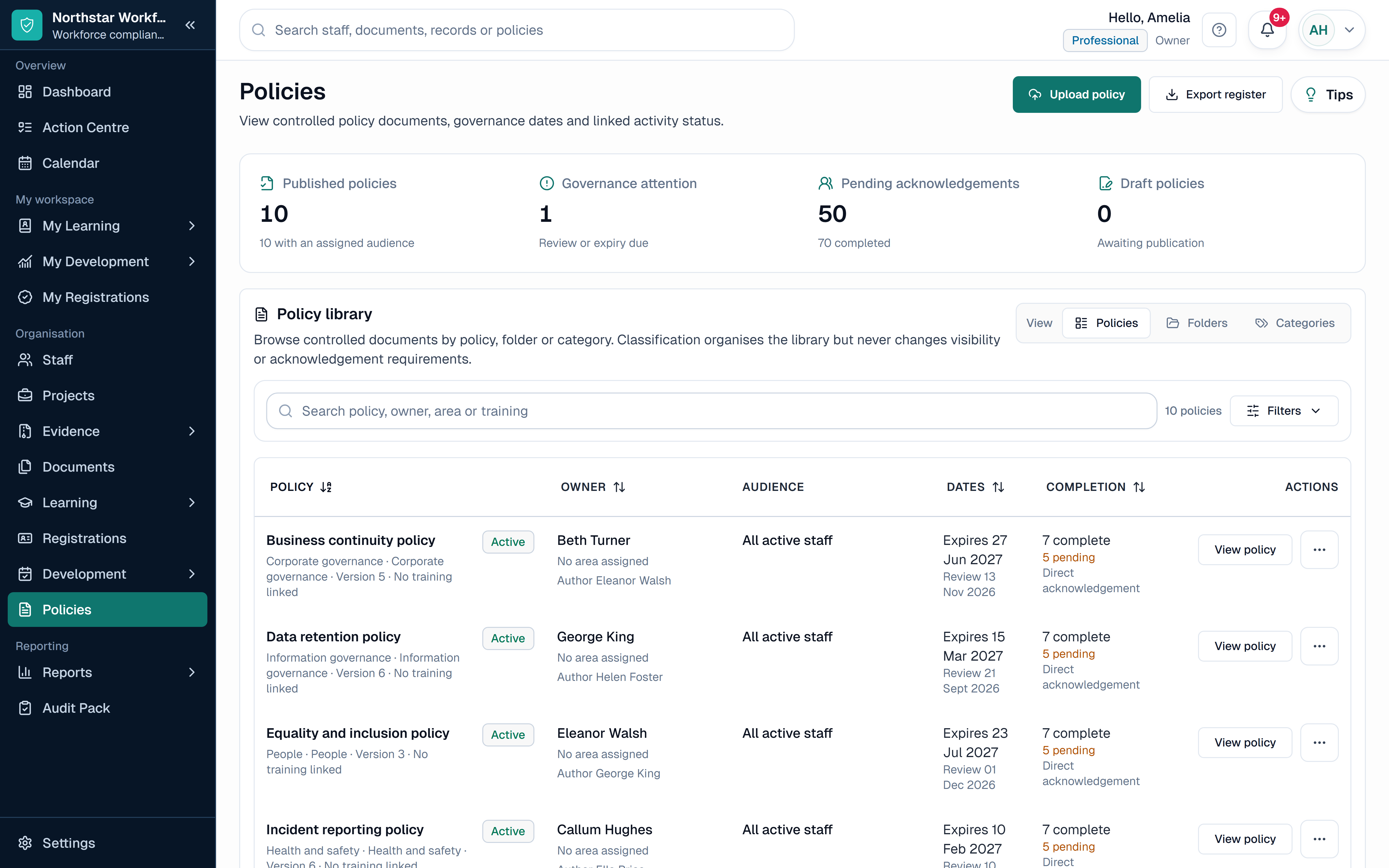
Example
SharePoint and a focused workforce document workflow compared
The comparison is about the job and governance required, not whether either product can store a file.
Area
Document collaboration
SharePoint
Strong Microsoft 365 co-authoring and collaboration.
SkillProof
Not designed for collaborative editing.
Area
Libraries and metadata
SharePoint
Flexible libraries, content types and metadata.
SkillProof
Focused records for general and workforce documents.
Area
Versions
SharePoint
Version history available in configured libraries.
SkillProof
Immutable versions kept with the governed record.
Area
Workforce actions
SharePoint
Can be designed with lists, flows and Microsoft 365 tools.
SkillProof
Read, acknowledge, review, approve or action work can be tied to the version.
Area
Staff document dates
SharePoint
Requires an organisation-designed record and workflow.
SkillProof
Person, dates, employee submission and review status are part of the focused workflow.
Area
Best fit
SharePoint
Broad collaboration with capable Microsoft 365 governance.
SkillProof
Connected workforce records, dates, evidence and follow-up.
Keep workforce document work connected
SkillProof keeps controlled workforce documents beside the people, dates, evidence, review decisions and follow-up they affect. Managers can see what is current, awaiting review, due or overdue without reconciling a library, inbox and spreadsheet.
This focused workflow is useful when staff submissions and actions matter more than collaborative document editing. SkillProof does not replace SharePoint co-authoring, an intranet or broad enterprise content management.
Where a focused document workflow helps
Dedicated document management software can be simpler when the job is already known: assign an owner, control who can see the file, keep an immutable version, set a review date, request an action and report what remains outstanding.
SkillProof Document Management is focused on general organisational and staff documents around the workforce record. It is not a replacement for SharePoint collaboration, Office co-authoring, an intranet or broad enterprise content management.
Compare the job, not the feature names
Two systems can both say version control while solving different jobs. Test a real record from upload through access, review, replacement, staff action, reporting and retention rather than comparing isolated feature labels.
If you already have SharePoint, include the cost of configuration, governance, training, support and reporting. If you choose dedicated software, check its limits around collaboration, search, integrations, migration and specialist records.
- Who owns the document and the configured process
- How access is granted, reviewed and evidenced
- Whether actions relate to the exact version in scope
- How review, expiry, replacement and exceptions are surfaced
- What can be reported without rebuilding a spreadsheet
General documents, policies and staff evidence are different
A general organisational file needs ownership, access and version control. A policy may also need publication, audience assignment, version-linked acknowledgement and overdue follow-up. A staff document or certificate needs a named person, dates, evidence and review status.
SkillProof keeps those specialist record types in connected workflows rather than treating every file as the same library item. The Evidence workflow separates supplied proof from a review decision, while Policy Management connects the controlled policy with its staff actions.
Official guidance used for this guide
Checked
The comparison uses official Microsoft documentation and therefore treats SharePoint as a capable, configurable document platform. Product fit still depends on configuration, governance and the workflow required.
Questions this guide answers
Can SharePoint be used as a document management system?
Yes. SharePoint supports libraries, metadata, permissions, version history and configurable workflows. The organisation must design and govern the solution for its specific document process.
Does SkillProof replace SharePoint?
No. SkillProof is a focused workforce training, compliance and development platform. It does not replace SharePoint collaboration, Office co-authoring, an intranet or broad enterprise content management.
Can SkillProof connect directly to SharePoint?
SkillProof does not currently claim a SharePoint connector. Any migration or hand-off should be designed and tested for the records, permissions and ownership involved.
Could an organisation use both systems?
Yes. SharePoint may hold collaborative working documents while SkillProof holds the governed workforce record, dates, evidence, review decisions and actions. Define one authoritative source for each record to avoid duplicate versions.